


Let me ask you something.
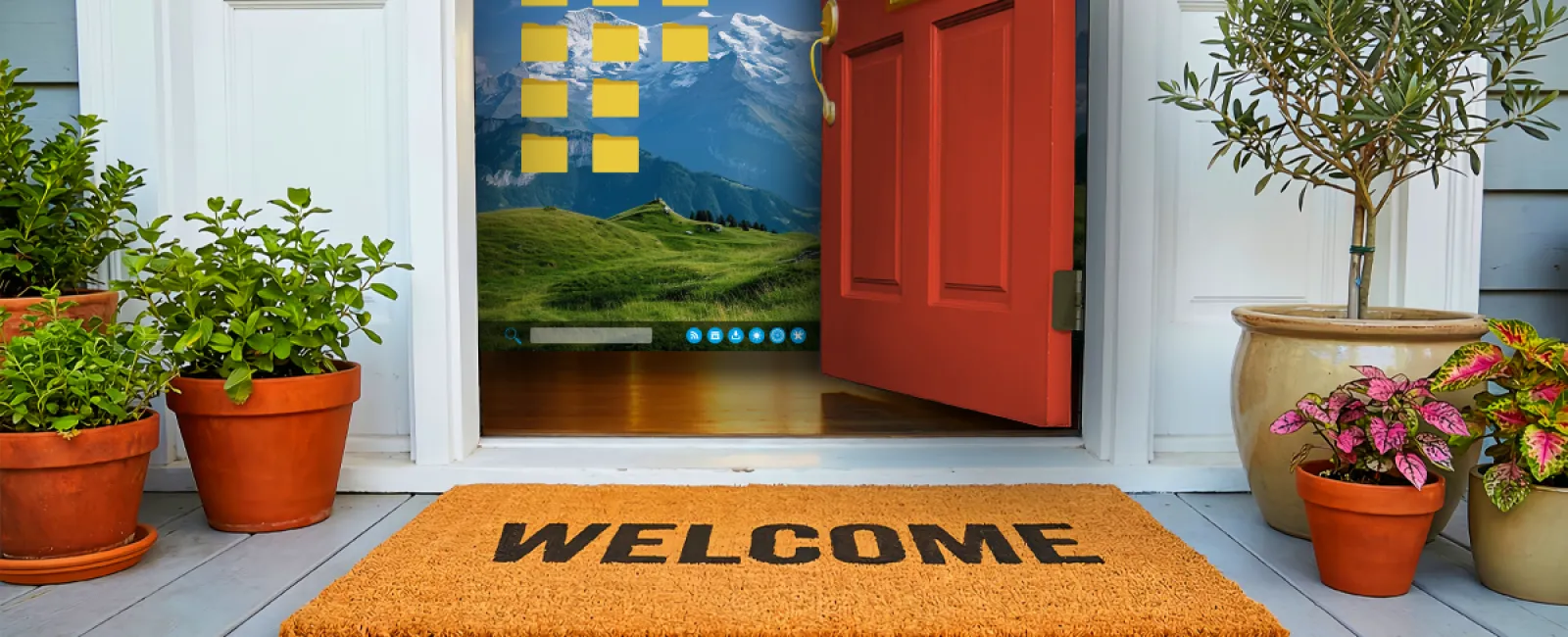
If I walked up to your office, lifted the welcome mat, and found a key sitting underneath…
how would you feel about that?
Not great, right?
Too easy. Too predictable. Exactly where someone would look.
Truth is, a lot of businesses are doing the same thing with their passwords—they just don't realize it.
The real problem isn't your password—it's where else you used it
Most break-ins don't start with your business.
They start somewhere random…
a shopping site, a food delivery app, some account you created three years ago and forgot about.
That company gets breached.
Now your email and password are floating around where they shouldn't be.
From there, it's not some hacker in a hoodie guessing passwords one at a time.
It's software.
It takes that same login and tries it everywhere:
- Banking
- Microsoft 365
- File storage
- Anything tied to your business
One reused password… and suddenly it's not one door that's open—it's all of them.
That's what people don't realize.
You're not protecting accounts.
You're protecting access to your entire operation.
And when the same password is used in multiple places, you've basically handed out a master key.
"But my password is strong…"
I hear this one a lot.
"It's got a capital letter, a number, a symbol… we're good."
That might've worked back when flip phones were still a thing.
Today? Not so much.
The issue isn't just how strong the password is.
It's that it's being used in more than one place.
Even a strong password becomes a liability when it's reused.
And let's be honest—people reuse passwords.
Not because they're careless…
because they're busy.
They've got a business to run.
What actually fixes this (without making your life harder)
You don't need a cybersecurity degree to clean this up.
You just need a better system.
Two simple things make a massive difference:
1. A password manager
This gives every account its own unique password—long, random, and nothing you have to remember.
No more sticky notes.
No more "I think it's the same as my email password."
No more guessing.
Every door gets its own key.
2. Multi-factor authentication (MFA)
This is the second lock on the door.
So even if someone gets your password…
they still can't get in without your phone, your app, or your approval.
Here's the part most people miss
Good security isn't about perfect behavior.
It's about building something that still works when people are human.
Because people will:
- Reuse passwords
- Click things they shouldn't
- Forget to update stuff
That's not a failure—that's reality.
The problem is when your systems assume perfection.
Most break-ins aren't clever—they're convenient
Nobody's out there carefully targeting your business like a movie plot.
They're looking for easy.
Unlocked doors.
Reused passwords.
No second layer of protection.
That's it.
And once they're in, that's when things get expensive… and stressful… and very public.
If this sounds a little too familiar…
You don't need to overhaul everything overnight.
But if:
- Your team is reusing passwords
- You're not sure where those passwords have been used
- Or there's only one layer protecting important systems
Then yeah—it's worth fixing before it turns into a bigger problem.
Plain and simple.
Let's make this easy
We can help you get this cleaned up without turning it into a project that eats your week.
No overcomplication.
No lectures.
Just a system that works the way it should.
Give us a call at 407-278-5664 or book a quick chat.
And if you've got a buddy still using the same password from five years ago…
go ahead and send this to them.
They'll thank you later.
