


Most business spring cleaning begins with closets, but the true clutter often lives beyond just your storage racks.
It could be tangled in a server rack, stashed in storerooms or forgotten in back offices piled under "we'll handle this later."
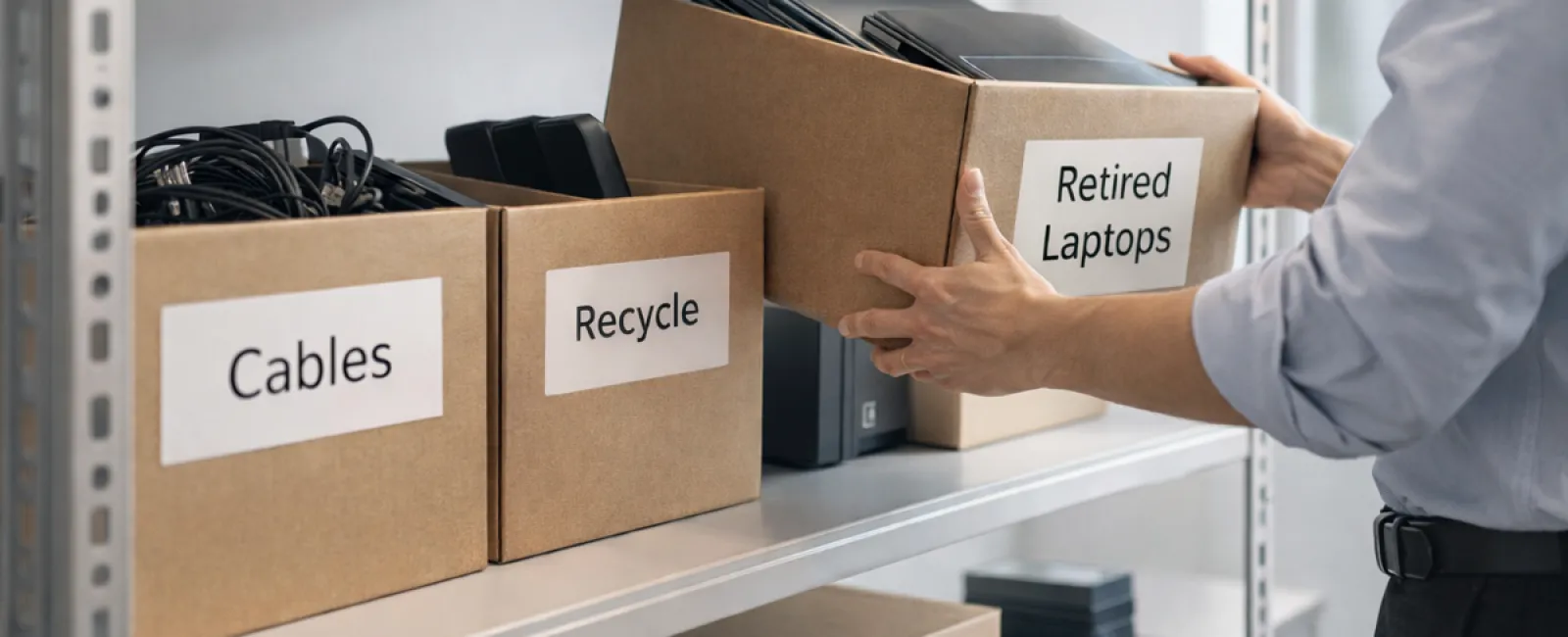
Old laptops gathering dust. Obsolete printers left unused. Backup drives from long-past upgrades. Boxes of cables hoarded "just in case."
Every company collects this over time.
The real question isn't if you have it—it's how you're planning to manage it moving forward.
Technology Follows a Lifecycle — Beyond the Purchase Date
Purchasing new tech usually has a clear purpose: faster performance, stronger security, greater capabilities, or supporting business growth.
While most businesses strategize their technology purchases, few thoughtfully plan for how to retire their tech assets.
Retiring equipment often happens quietly: a device gets replaced, set aside, then eventually cleared out.
That's understandable.
But it's rare to see businesses approach technology retirement with the same deliberate care as the initial investment.
Old devices still hold value either through reuse, recyclable parts, or sensitive stored data. Idle tech can drain resources just by occupying space and attention.
Spring is the perfect moment to evaluate: What assets are adding value, and which are just taking up room?
Streamlined Steps to Declutter Your Technology
To turn talk into action, follow this straightforward four-step plan.
Step 1: Take Inventory
Identify exactly what's being retired—laptops, phones, printers, network devices, external drives? You can't manage what isn't accounted for. A quick walkthrough often uncovers more than expected.
Step 2: Choose the Right Path
Every device fits into one of three outcomes: reuse (internally or donated), recycle (via certified e-waste services), or secure destruction (for sensitive data). The key is making intentional choices instead of letting equipment languish indefinitely.
Step 3: Properly Prepare Devices
Discipline here pays off.
For reuse or donation, unregister devices from management systems, revoke user permissions, and ensure thorough data wiping—not just a factory reset. Simply deleting files or formatting doesn't erase data, just hides where it is.
Data security firm Blancco's research showed 42% of resold drives on eBay still contained private files despite sellers' wiping claims. Certified erasure tools overwrite all sectors and provide verification.
If recycling, use only certified e-waste handlers—not curbside or dumpsters. Note that popular programs like Best Buy's are for household use only, excluding business equipment.
For business gear, secure a certified IT asset disposition (ITAD) provider or specialized e-waste recycler with e-Stewards or R2 certifications (directories available at e-stewards.org and sustainableelectronics.org). Your IT partner can coordinate this.
If destruction is needed, employ certified data wiping or physical destruction methods (shredding, degaussing) and maintain records: device serial, method, date, and handler.
This isn't paranoia; it's responsible asset management.
Step 4: Document the Process and Move Forward
Once equipment leaves your premises, ensure you know where it went, how it was processed, and confirm all access has been revoked. Document these details to avoid any lingering uncertainties.
Commonly Overlooked Devices
Laptops get the spotlight, but many devices often go unnoticed.
Phones and tablets may still harbor email accounts, contacts, or authentication apps. Factory resets cover most data, but certified mobile wiping tools provide deeper security. Leading brands like Apple and Samsung offer trade-in programs, even for older models, often giving credit toward new purchases.
Modern printers and copiers frequently contain internal drives storing every document ever processed. When returning leased machines, get written confirmation the hard drives will be wiped or removed before redeployment.
Batteries are classified as potentially hazardous waste by the EPA. In many states, including California, New York, and Minnesota, businesses can't dispose of rechargeable batteries in regular trash. Safely remove batteries, tape terminals to avoid short circuits, and use certified drop-off sites. Call2Recycle.org provides location maps; many retailers like Staples, Home Depot, and Lowe's accept rechargeable batteries.
External drives and retired servers tend to be tucked away longer than intended. They require the same careful retirement as other equipment.
Considerations for Responsible Recycling
April's Earth Day often reminds us about sustainability—an important focus.
Electronics mustn't end up in landfills. Global e-waste exceeds 62 million metric tons annually, yet under a quarter is properly recycled. Batteries, monitors, and circuit boards require certified recycling streams. Many communities provide approved e-waste disposal options for this reason.
When managed properly, technology retirement is environmentally responsible, operationally clean, and strategically smart. You don't have to sacrifice security for sustainability—you can achieve both.
This commitment is also a subtle but powerful message to your customers, showcasing your company's values without grandstanding on social media.
Unlocking the Bigger Picture
Spring cleaning isn't just eliminating clutter—it's about creating space for growth.
Clearing out outdated equipment is one step. While reviewing hardware, it's vital to ask a broader question: Does your technology truly support your business's vision?
Hardware cycles through, but today's growth engine is powered by software, systems integration, automation, and smart workflows.
Properly retiring equipment is good housekeeping, but aligning your entire technology stack with business goals is what propels you forward.
How We Support You
If you already have an effective process for retiring tech, that's excellent. Retirement should feel smooth and routine.
When you're considering replacing old hardware responsibly, it's also ideal to reassess: Are your systems efficient? Do your tools integrate seamlessly? Is your technology fueling growth or only maintaining status quo?
If you'd like an objective review of your tech stack, systems, and workflows to boost productivity and profitability, we're ready to talk.
No pressure. No sales pitch. Just an honest conversation about optimizing technology for your business.
Click here or give us a call at 407-278-5664 to schedule your free Discovery Call.
If this inspired you, please share it with fellow business owners.
Effective spring cleaning goes well beyond closets — it includes streamlining the systems that drive your business.

